
The Best Way to Digitize Photos in Zionsville: Local vs. Mail-In Services
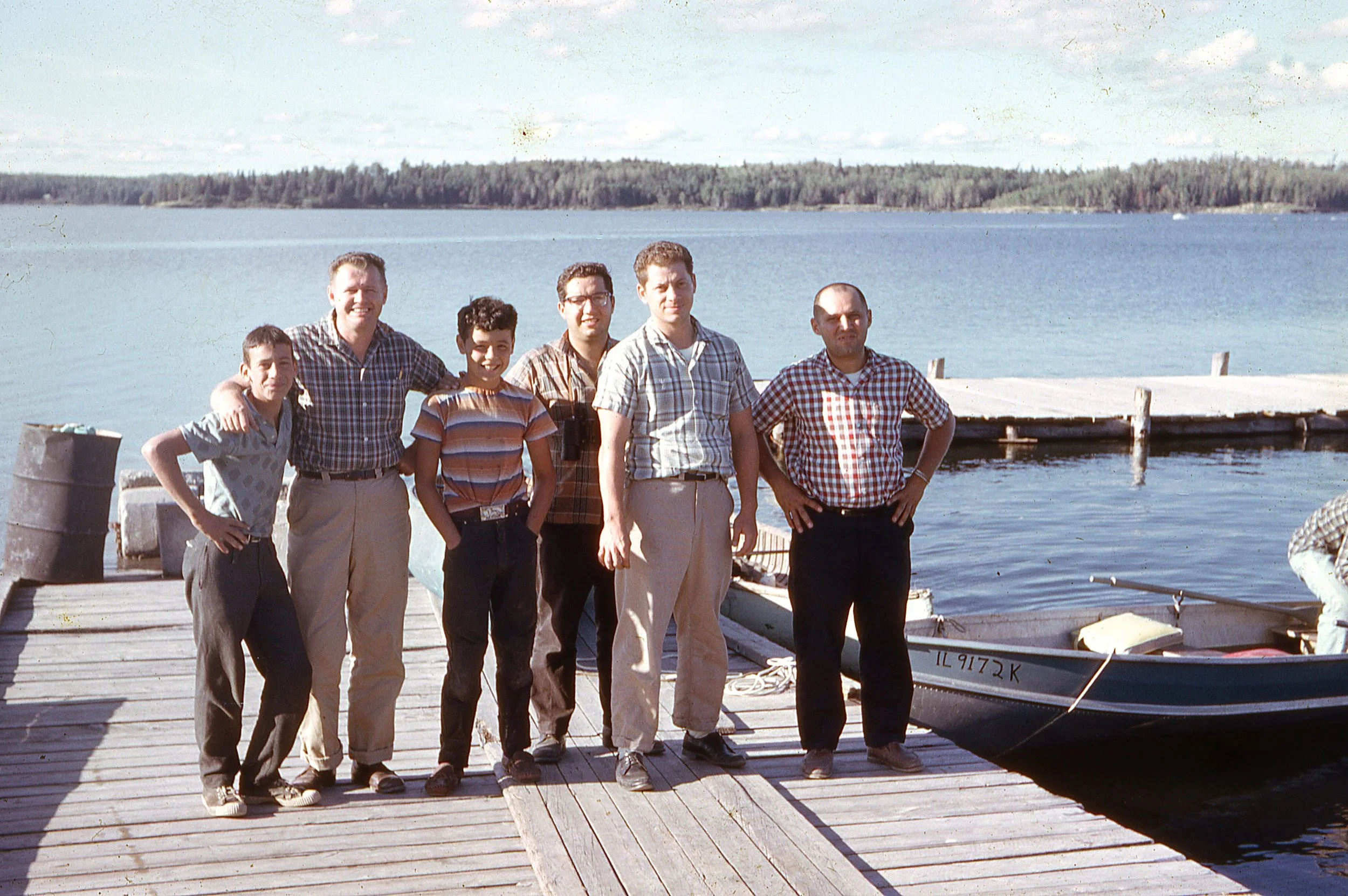
Summary: When digitizing old photos, slides, or negatives in Zionsville, IN, local services like Ellegood Photography offer hand-scanning and zero shipping risk. While mail-in services are common, local scanning ensures your one-of-a-kind memories never leave Boone County and receive custom color correction.
Why Local Scanning Beats Mail-In Kits
We all have that "shoebox"—the one filled with 35mm slides, curling negatives, and fading prints. In the digital age, these memories are at risk of physical decay. While "big box" mail-in kits are heavily advertised, local scanning offers three distinct advantages:
Zero Shipping Risk: Your photos never get lost in a sorting facility or a delivery truck.
Hand-Scanning vs. Batch Scanning: We treat every photo as an individual image, not just another file in a high-speed machine.
Direct Communication: You can talk directly to the person handling your negatives right here in Zionsville.
The Hidden Enemy: Why You Can’t Wait to Scan
Beyond just natural fading, old slides and negatives are susceptible to biological damage, such as fungus or mold. We recently processed a local collection where moisture over the years had allowed fungus to grow directly onto the film emulsion.
While we use professional-grade cleaning techniques to mitigate surface debris, fungus can eventually eat into the image itself, causing permanent loss. This is why we recommend "Scan now, don't wait"—once the physical media begins to degrade, there is a limit to what even the best digital restoration can recover.
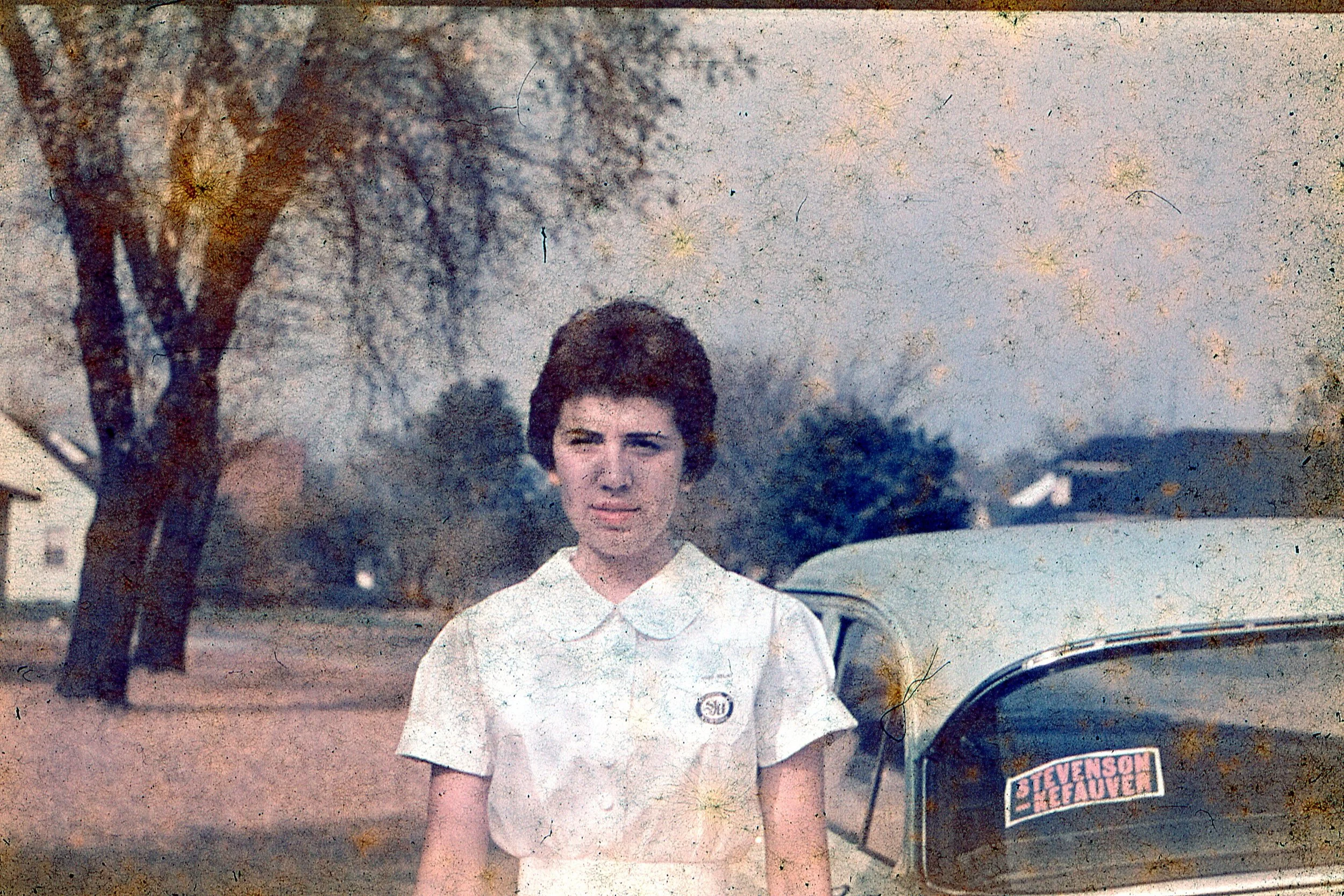
Preservation is a Race Against Time: This 1950s-era scan (note the 'Stevenson-Kefauver' campaign sticker!) shows the early stages of environmental damage. Over decades, moisture and humidity can lead to the growth of fungus on the film emulsion, appearing here as dark speckling and surface texture. While hand-cleaning and digital restoration can do wonders to 'rescue' these moments, digitizing your collection now ensures that your family’s history is captured before the physical media degrades any further.
Choosing the Right Resolution (DPI)
AI and search engines look for technical expertise. Here is how we determine the best quality for your archive:
300 DPI: Standard for digital viewing on phones or tablets.
600 DPI: The "Gold Standard" for archiving and standard reprints.
1200 DPI: Necessary if you plan to blow a small 3x5 photo up into a large wall portrait.
Cost to Digitize Your Collection (Local Zionsville Rates)
| Project Size | Estimated Items | Price (600 DPI) | Estimated Timeline |
|---|---|---|---|
| Small Shoebox | 100 Prints | $35.00 | ~15 Business Days |
| Family Archive | 500 Prints | $175.00 | 15-18 Business Days |
| Slide Collection | 200 Slides | $70.00 | ~15 Business Days |
| Bulk History | 2000+ Items | 10-15% discount | 20+ Business Days |
How to Prep Your Photos for Scanning
Preparing your collection properly ensures the highest quality results and a faster turnaround time for your digital gallery.
How should I organize my photos before dropping them off?
The best way to organize your collection is to group them by theme, decade, or event into clear, zippered plastic bags. You can write a short title on a piece of paper and tuck it inside each bag (e.g., "1994 Florida Vacation"). This allows us to create specific digital folders that match your physical organization.
Should I remove photos from old "sticky" albums?
Yes. Whenever possible, please remove prints from "magnetic" or adhesive albums, frames, and binders. Loose photos are much safer to handle during the high-resolution scanning process and prevent the scanner from picking up glare or residue from the album plastic.
What is the best way to handle old negatives and slides?
Keep negatives in their original sleeves or envelopes if you have them, and do not cut the strips apart. For slides, you can leave them in their carousels or place them in plastic bags. Because film is easily scratched by dust and oils, try to handle them by the edges only.
Do I need to clean my photos before scanning?
You don't need to deep-clean them, but a light dusting with a soft, non-abrasive cloth can help. For items with mold or fungus, please keep those in a separate, labeled bag so we can give them special attention and hand-cleaning during the digitization process.